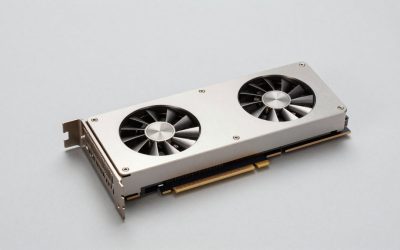
Best Graphics Cards GPUs for Plex: 4 Compared (2026)
The best graphics cards GPUs for Plex are usually an Intel Quick Sync iGPU for...
We research everything we recommend. When you buy through our links, we may earn a commission. As an Amazon Associate we earn from qualifying purchases.
Build Guides collects the reference material for buying, upgrading, and budgeting a gaming desktop rather than product rankings themselves, covering everything from how prebuilt warranties compare to what actually limits performance in an existing rig. Readers land here mid-decision: trying to work out whether a bottleneck is the CPU or the GPU, whether a three-year-old prebuilt is worth upgrading versus replacing, or how much wattage a build actually draws under load before sizing a power supply. The deciding factors tend to be diagnostic rather than a spec sheet: pairing a component’s rated TDP against the PSU’s continuous output, checking whether a CPU’s core count matches the games being played, and comparing a manufacturer’s parts-and-labor warranty term against what a self-built system loses in coverage. Cost comparison between prebuilt and custom is another recurring question, since the labor savings of a prebuilt often offset a slightly higher parts markup. Start by identifying which stage of ownership applies: buying decision, mid-life upgrade, or troubleshooting a slowdown, since each points to a different article and a different fix. For buying-stage questions, Prebuilt Vs Custom Build Cost Comparison and How Much Should You Spend On A Gaming Pc lay out the budgeting math, while How To Check If A Prebuilt Has Bottlenecks handles the diagnostic side for machines already in use.
The best graphics cards GPUs for Plex are usually an Intel Quick Sync iGPU for...
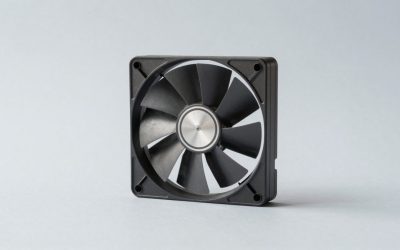
The best RGB fan kits for PC builds in 2026 are the Corsair iCUE LINK...
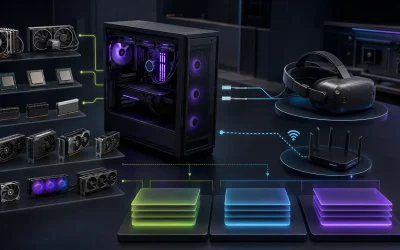
Plan a custom VR gaming PC around headset resolution, frame-time stability, ports, wireless networking, thermals, and your actual budget.
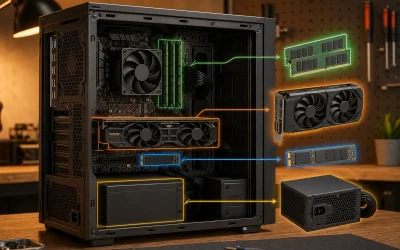
How to upgrade a prebuilt gaming PC: PSU checks, GPU and RAM swaps, and a priority order that avoids wasted money, step by step.
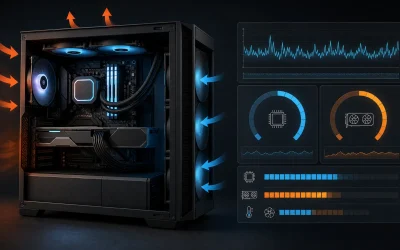
How to check if a prebuilt has bottlenecks: read CPU vs GPU utilization, spot RAM and storage limits, with step-by-step diagnostic tools.

Gaming PC warranty and support compared: coverage lengths, what voids a claim, and the questions to ask before buying a prebuilt.

Gaming PC power consumption explained: real wattage draw by GPU tier, monthly electricity cost estimates, and PSU sizing you can trust.
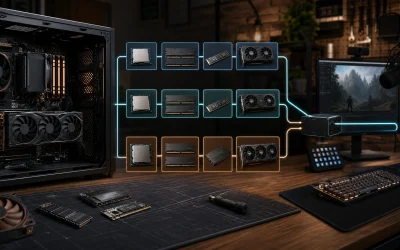
Build a streaming PC around the right encoder, CPU, memory, storage, cooling, and network priorities for your budget and workflow.

Find out what specs matter most in a gaming PC, ranked by real fps impact: GPU VRAM, CPU cores, RAM speed, and storage type, with a worked build example.
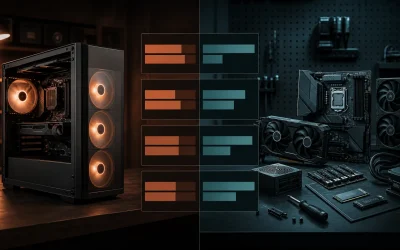
See a real prebuilt vs custom gaming PC cost comparison across 4 price tiers, where the 19-21% markup actually goes, and when building saves real money.