
As builds add more fans — six, eight, sometimes ten with RGB — the question of how to power and control them all comes up fast. A dedicated fan controller or hub promises tidy cabling and unified speed control, but modern motherboards already do a lot of this. Whether a separate controller is worth it depends on your fan count, whether you want addressable RGB, and how much you care about cable management.
As an Amazon Associate we earn from qualifying purchases at no extra cost to you.



Our Top Picks
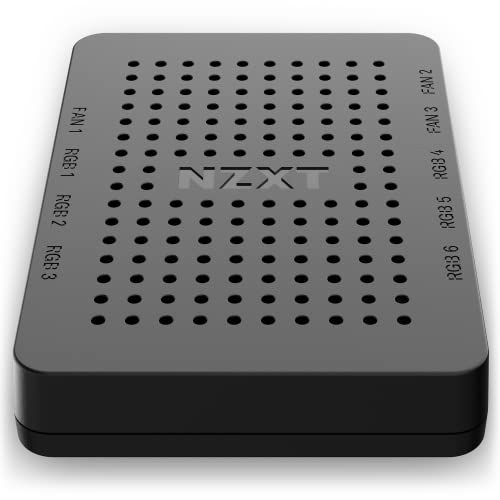


Top 3 picks at a glance
What a fan controller actually solves
Motherboards typically have four to eight fan headers, and each supplies a limited amount of power. Cram a dozen fans onto them and you can exceed a header’s amperage or simply run out of connectors. A hub consolidates many fans onto one or two headers with its own SATA power feed, so you are not daisy-chaining splitters and risking an overloaded header.
PWM versus RGB control
Two different things get bundled under “fan controller.” One controls speed (PWM/DC). The other controls lighting (addressable RGB). Many kits combine both. If your fans are plain, you only need speed control; if they have ARGB, you also need an ARGB hub or a board with enough ARGB headers, since each addressable header can only drive so many LEDs.
Motherboard vs dedicated controller
| Factor | Motherboard headers | Dedicated hub/controller |
|---|---|---|
| Typical fan capacity | 4–8 headers | 6–10+ per hub |
| Power source | Header (limited) | SATA (ample) |
| Speed control | BIOS fan curves | Software or dial |
| ARGB channels | 1–3 headers | Consolidated |
| Cable clutter | More splitters | Cleaner runs |
| Extra cost | $0 | $20–60 |
When you can skip it
If your build has four to six fans, your motherboard headers plus its BIOS fan curves handle everything for free. You can set temperature-based curves so fans stay quiet at idle and ramp under load — no add-on required. For most mid-tower gaming PCs, that is the whole solution.
When a controller earns its place
A dedicated hub makes sense once you pass roughly eight fans, run a case full of ARGB fans that would overwhelm the board’s lighting headers, or want a single clean SATA-powered box behind the motherboard tray instead of a tangle of splitters. Enthusiast RGB builds and high-airflow rigs are the natural fit.
Splitters versus hubs
Before buying a full controller, know the cheaper middle option: a simple PWM splitter. A splitter feeds two or three fans from one header and lets the motherboard control them together, which is perfect for a pair of front intakes that should always run at the same speed. The limit is power, since a header supplies only about one amp, enough for roughly three to four fans. A powered hub sidesteps that by drawing from SATA. So the ladder is: motherboard header for a few fans, a splitter to group a couple more, and a SATA-powered hub only once you genuinely exceed what the board can drive.
FAQ
Can I run all my fans off the motherboard?
Up to your board’s header count and power limit, yes — with fan splitters you can add a few more. Problems start when you exceed a header’s amperage, which is where a SATA-powered hub helps.
Do I need software for a fan controller?
Not always. Some use a physical dial or connect through the motherboard so BIOS controls them. Full RGB sync and per-fan curves usually need the vendor’s software.
Bottom line
For a typical build with a handful of fans, your motherboard’s headers and BIOS fan curves already do the job — a controller is unnecessary. It becomes worthwhile once fan counts climb past what your board can power, when you are running lots of addressable RGB, or when you simply want the cleanest possible cabling. Buy it to solve a real capacity or lighting problem, not by default.

