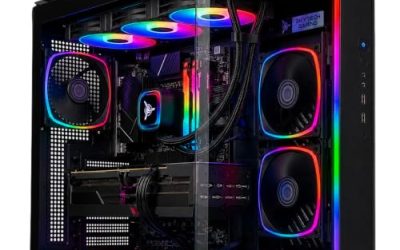
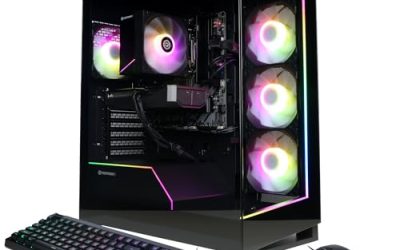
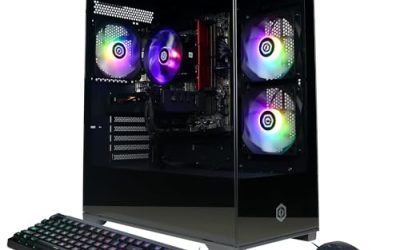
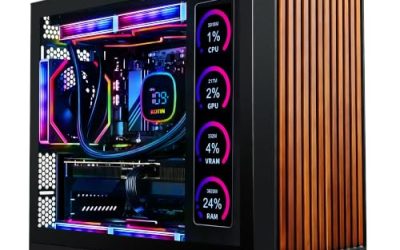
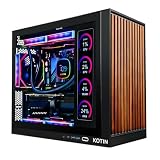
Before you compare a Skytech Shiva against anything else, it helps to know that a prebuilt line name is a label, not a spec sheet. Listings sold under a name like Shiva can differ by processor, graphics card, memory, and storage, so the right way to rank one is to read the parts list on the exact listing in front of you.
This guide does not rank specific Shiva configurations, because it does not rely on lab results and the configurations change between listings. Instead, it shows how to evaluate any Skytech Shiva listing on its parts, so you can tell a well-balanced build from one where the money went to the wrong component. Think of it as a checklist for a first-time prebuilt buyer in 2026.
As an Amazon Associate we earn from qualifying purchases at no extra cost to you.
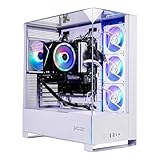


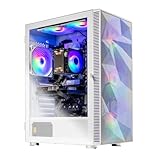


Our Top Picks


Top 3 picks at a glance
Quick Picks by Buyer Type
| If you are | Prioritize on the listing | Watch out for |
|---|---|---|
| A 1080p gamer on a budget | A current mid-range GPU with enough VRAM and a modern 6-core CPU | 8GB graphics cards in newer games |
| A 1440p gamer | A 12GB or 16GB GPU, dual-channel memory, an SSD of 1TB or more | A strong CPU paired with a weak card, or the reverse |
| A streamer or creator | More CPU cores, 32GB memory, plenty of NVMe storage | Single-stick memory and tiny drives |
| Someone planning to upgrade later | A standard ATX case, a quality power supply, a free upgrade-friendly motherboard | Proprietary parts and weak power supplies |
How This Checklist Was Built
These criteria come from the standard parts considerations covered by public reviewers such as Gamers Nexus, Hardware Unboxed, TechSpot, Tom’s Hardware, and TechPowerUp when they evaluate prebuilt systems. This is an editorial guide built from public reviews and published specifications. Prices are intentionally left out: listing prices change often, so check the current price on the product page.
The Five Lines That Decide the Build
Graphics card
The graphics card is where most gaming performance comes from, so read it first. Note the exact model, and check its VRAM on the card’s spec page. For example, the RTX 5060 and the RTX 5060 Ti come in different memory sizes, and the memory size changes how well the card handles newer games at higher settings. Pros of a recent card: current feature set and better efficiency. Cons: some entry-level tiers carry only 8GB. Skip a listing if it hides the exact GPU model.
Processor
A six-core current-generation chip is fine for most gamers. If the listing pairs a flagship GPU with a bargain CPU, you pay for performance the CPU cannot deliver at lower resolutions. Match the two tiers.
Memory and storage
Look for 16GB in two sticks at minimum, and 32GB if you multitask. For storage, an NVMe drive of at least 1TB is a comfortable starting point. Check whether the listing says dual-channel, since a single stick cuts bandwidth.
Power supply
This is the part prebuilt listings explain least. The listing should name the wattage, efficiency rating, and ideally the brand. A supply with a recognized rating gives you headroom for a later GPU upgrade; an unnamed unit is a risk.
Case and cooling
A standard ATX case with front intake fans and a tower cooler on the CPU is easier to service than a proprietary shell. Check whether the listing shows the cooler type and fan count.
Buying Guide for Prebuilt Shoppers
Match the Tiers
The simplest sanity test is to see whether the CPU and GPU belong to the same performance tier. A mismatch means one part will always limit the other.
Plan for Upgrades
If you may add a faster card later, the supply wattage and the motherboard’s slot layout matter more than they appear. A 650W or larger quality supply is a common starting point for mid-range cards, but check the GPU maker’s spec page.
Check the Warranty and Return Window
Read what the seller promises on warranty and returns. Prebuilt systems can arrive with loose parts, so register the machine and test it in the return window.
Read the Fine Print on Software and Extras
Prebuilt listings sometimes bundle a keyboard, mouse, or a trial operating system activation. These extras are convenient, but they should not drive the choice. Confirm whether the operating system is installed and activated, whether drivers are current, and whether any pre-installed trial software can be removed. A clean first boot, followed by a driver update straight from the graphics maker, is a good habit with any prebuilt.
Our Verdict
A Skytech Shiva listing is worth buying when its GPU and CPU tiers match, its memory is dual-channel, its supply is named and adequately sized, and the exact parts are all listed. If any of those details is missing, treat the system as a gamble and compare it against a similar listing that shows everything.
FAQ
Are all Skytech Shiva PCs the same?
No. A product-line name can cover multiple configurations, so read the exact parts on each listing.
Is a prebuilt cheaper than building?
It depends on the listing at the time. Compare the listed parts against the same parts bought separately, using current prices.
Can I upgrade a prebuilt gaming PC?
Often, if it uses standard ATX parts. Check the supply and case size first.
How much VRAM should a gaming PC have?
For 1080p, 8GB can still work in many games, but 12GB or 16GB gives more headroom at 1440p.