
Two SSDs can share the same capacity, interface, and even similar sequential speeds yet perform very differently, and the hidden reason is often whether they include a DRAM cache. “DRAM-less” drives are cheaper and everywhere in the budget tier, while DRAM-equipped drives cost a little more. For a gaming build, knowing what that cache does helps you spend wisely without overbuying.
As an Amazon Associate we earn from qualifying purchases at no extra cost to you.


Our Top Picks


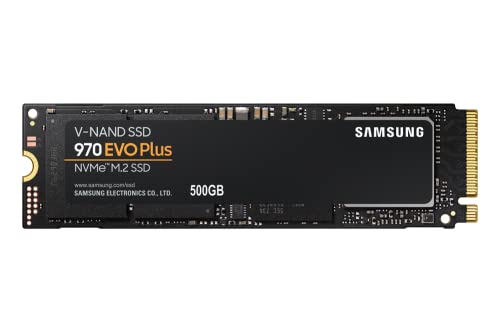
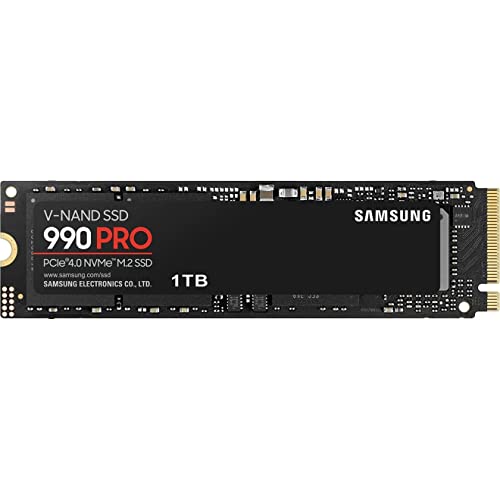
Top 3 picks at a glance
What the DRAM cache does
An SSD needs a map of where data physically lives, called the flash translation layer. A DRAM cache stores that map in fast memory right on the drive, so the controller can look up and update locations instantly. DRAM-less drives keep the map in slower flash or borrow a slice of system RAM through a feature called Host Memory Buffer (HMB). The result is that DRAM-less drives can slow down under heavy random access and sustained writes.
Does it matter for gaming?
For loading games — mostly sequential reads — the difference is small; a good DRAM-less Gen4 drive loads levels within a fraction of a second of a DRAM drive. Where DRAM pulls ahead is heavy multitasking, large file copies, installing while playing, and sustained writes, where the cache keeps performance consistent instead of dipping.
DRAM vs DRAM-less comparison
| Aspect | DRAM-less | With DRAM |
|---|---|---|
| Price | Lower | Slightly higher |
| Game load times | Very good | Very good |
| Sustained writes | Can drop off | Consistent |
| Heavy multitasking | Weaker | Stronger |
| Best as | Secondary game drive | Boot/primary drive |
How to choose for a build
A sensible strategy: use a DRAM-equipped drive as your boot and primary drive, where the OS does constant small reads and writes, and a value DRAM-less drive as a secondary library for installed games. Games benefit little from the cache once loaded, so the cheaper drive is fine for bulk storage.
Spotting a DRAM-less drive
Manufacturers rarely advertise “DRAM-less” prominently. Look at the spec sheet or independent reviews; extremely low prices, HMB mentions, and single-chip layouts are hints. If a listing does not confirm DRAM, assume it is DRAM-less and judge it on real-world review numbers rather than peak sequential figures.
The SLC cache twist
There is a second cache to understand: the SLC write cache, a fast buffer built from a slice of the drive’s own flash. Every modern SSD uses one, and while it is full, writes fly. Once you write enough at once to exhaust it, often tens of gigabytes, speeds drop to the drive’s slower native rate, and DRAM-less models usually fall further. This is why a cheap drive can post great benchmark numbers yet stutter when you copy a huge folder. For a game library you fill occasionally it rarely matters; for constant large writes, a DRAM drive with a generous SLC cache holds up much better.
FAQ
Will a DRAM-less SSD slow down my games?
Loading a game barely differs from a DRAM drive because it is mostly sequential reads. You would only notice during heavy writes or multitasking, not during normal play.
Is HMB a good substitute for onboard DRAM?
It helps, borrowing a little system RAM to hold the map, and closes much of the gap for everyday use. It still trails true onboard DRAM under sustained heavy loads.
Bottom line
DRAM cache mostly affects sustained writes and heavy multitasking, not game load times, so a DRAM-less drive is a perfectly good game library while a DRAM drive is the smarter pick for your boot and primary volume. Do not judge SSDs by sequential speed alone — check whether they have DRAM and read real-world reviews. Match drive type to role and you get consistent performance without overspending.

