
Most programming doesn’t need a powerful graphics card, but the moment you’re compiling a large project, spinning up containers, or running several virtual environments, the parts that matter come sharply into focus: CPU cores, memory, and fast storage. A custom build for software development is about a fast, quiet, responsive machine that never makes you wait on a build, not about frame rates.
As an Amazon Associate we earn from qualifying purchases at no extra cost to you.



Our Top Picks
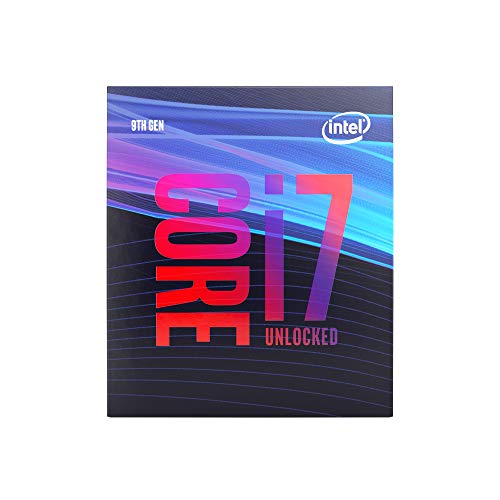 Intel Core i7-9700K Desktop Processor 8 Cores upI7-9700K4.57 x 3.98 x 2.76 inches0.1 PoundsCheck on Amazon
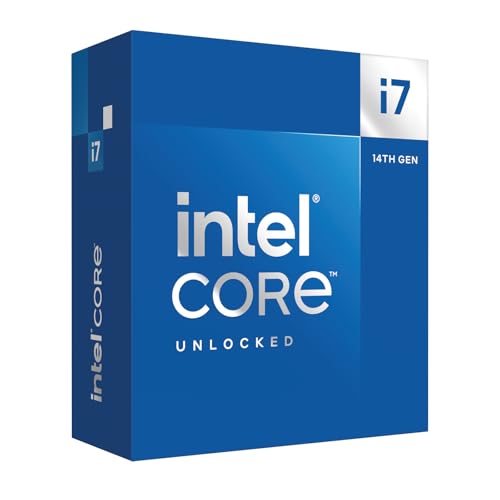


Top 3 picks at a glance
Where coding stresses hardware
CPU: cores plus clocks
Editing code and browsing docs barely tax a CPU, but compiling and running test suites can pin every thread. A 6-core chip is a fine starting point for web and scripting work, while systems developers and anyone compiling large C++ or Rust projects benefit from 8 to 16 cores. High single-thread speed keeps the editor and everyday tasks snappy.
RAM: containers and IDEs add up
A modern IDE, a browser full of tabs, a database, and a few containers can quietly consume 20GB or more. 16GB is a workable floor, but 32GB is the comfortable target for most developers and 64GB suits those running many virtual machines or heavy data workloads.
| Developer type | Budget | CPU cores | RAM | Storage |
|---|---|---|---|---|
| Web / scripting | $700–900 | 6 | 16–32GB | 1TB NVMe |
| Full-stack / containers | $1000–1300 | 8 | 32GB | 1–2TB NVMe |
| Systems / data / VMs | $1400–1800 | 12–16 | 32–64GB | 2TB NVMe |
Storage and the small stuff
NVMe is transformative
Compiling, indexing a large repository, and installing dependencies are all read- and write-heavy. A fast 1–2TB NVMe drive noticeably shortens these operations compared to a SATA SSD, and the difference compounds over a workday full of builds.
Graphics and displays
Integrated graphics or a modest dedicated card is plenty unless you also do machine learning or game development. Where you should spend is screen real estate: a large high-resolution monitor, or two, does more for coding productivity than a gaming GPU ever would.
Quiet and reliable
Developers stare at the same machine for hours, so a quiet build pays off daily. A good air cooler, a gentle fan curve, and a 550–650W 80+ Gold power supply keep a coding rig cool and near-silent even during long compiles. Reliability matters too; standard, quality parts mean fewer mysterious crashes eating into focus time.
Prebuilt vs custom
Prebuilt desktops often pair a strong GPU with only 16GB of RAM, the opposite of what most coders need. A custom build lets you skip the oversized graphics card, invest in cores and memory, add fast storage, and choose a quiet case. For development, that reallocation delivers far more usable speed per dollar.
Multiple monitors beat raw power
For most developers, a second screen does more for productivity than a faster CPU. Code on one display and reference documentation, logs or a running app on another, and your workflow speeds up in a way no benchmark captures. Make sure the build’s graphics output can comfortably drive two high-resolution monitors, which even integrated graphics manage well.
Keep the machine quiet and stable, since developers live in front of it for hours. A clean parts list, a good cooler and a quality power supply mean fewer distractions and fewer mysterious crashes eating into deep-focus time. Reliability and comfort, not peak numbers, define a great coding rig.
FAQ
Do programmers need a good graphics card?
Generally no. Software development leans on the CPU, RAM and storage, so integrated graphics or a modest card is fine for most coders. The exceptions are machine learning and game development, which genuinely use the GPU; for everything else, spend that money on memory or monitors.
Is 16GB of RAM enough for coding?
It’s a workable minimum for web and scripting work, but 32GB is the comfortable target once you run containers, databases and a heavy IDE together. If you spin up multiple virtual machines or work with large datasets, consider 64GB to avoid constant memory pressure.
Bottom line
A programming PC is about cores, memory, storage and quiet, not graphics: 6–16 CPU cores matched to how much you compile, 32GB of RAM as a sensible target, a fast NVMe drive, and a modest GPU paired with a big monitor. Build it custom to redirect budget away from a gaming graphics card and into the parts that actually shorten your build times, and a $1000–1400 machine will keep any developer productive for years.

