
You do not need the whole budget at once to start building. A staged build — buying the durable core first and upgrading the performance parts later — lets you get a working machine sooner and spread the cost over months. Done right, you never buy a part twice; each stage slots into a plan you laid out from the beginning.
As an Amazon Associate we earn from qualifying purchases at no extra cost to you.



Our Top Picks
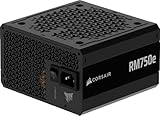
 CORSAIR RM750e ATX 3.1 PCIe 5.1 Ready 750W750 watts5.91 x 5.51 x 3.35 inches3.3 PoundsCheck on Amazon
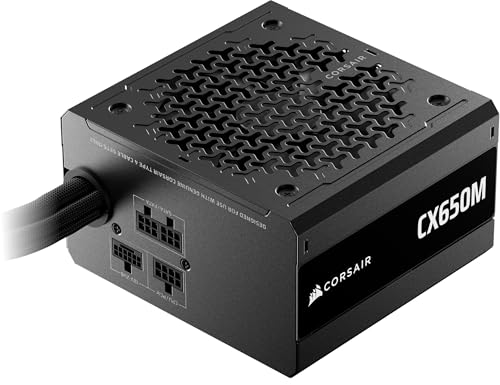
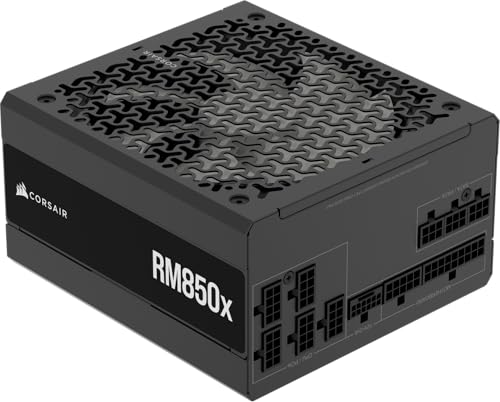

Top 3 picks at a glance
Start with the parts that will not change
The secret to phased building is spending your first dollars on the components you will keep across upgrades: the case, the power supply, storage, and often the CPU and motherboard platform. These form a foundation you can bolt faster parts onto. The graphics card — usually the single most expensive and fastest-depreciating part — is the one you buy last, when you have the most money and the best deal.
Buy the PSU and case for the future, not the present
This is where staged builders win or lose. Size the power supply for the GPU you eventually want, not the placeholder you start with — a 750W 80+ Gold unit covers almost any single-GPU upgrade path. Choose a case that fits a full-length graphics card and a large cooler. Getting these two right means your final GPU drops in with no drama; getting them wrong means an avoidable rebuild.
A sensible three-stage plan
| Stage | Buy | Rough share of budget | Result |
|---|---|---|---|
| 1. Foundation | Case, PSU, SSD, CPU, motherboard, RAM | ~55% | Boots and works on integrated graphics |
| 2. Graphics | Main GPU (60/70-class) | ~35% | Full gaming performance unlocked |
| 3. Polish | Extra storage, fans, cooler upgrade, peripherals | ~10% | Quieter, cooler, more capacity |
Run on integrated graphics in the meantime
Many CPUs include integrated graphics capable of running esports titles and older games at 1080p on lower settings. If you pick a CPU with integrated graphics for stage one, your foundation build is a fully usable computer — for browsing, schoolwork, and light gaming — while you save for the discrete card. That turns the waiting period from dead time into a functioning PC. If your chosen CPU has no integrated graphics, a cheap used card can bridge the gap.
Do not compromise the foundation to rush the GPU
The temptation is to skimp on the PSU or RAM to afford a better graphics card sooner. Resist it. A weak power supply can fail and take other parts with it, and single-channel or 8GB RAM will bottleneck the very GPU you are excited about. Buy 16GB of DDR5 and a quality PSU in stage one; they are the cheap insurance that makes the expensive stage-two upgrade actually shine.
Timing your upgrades
Because the GPU is your last major purchase, you can time it to a sale or a post-launch discount on the outgoing generation — often saving 20–30% versus buying everything at once. Keep an eye on your target card’s real price for a few weeks so you recognize a genuine deal. There is no deadline; the foundation is already doing useful work while you wait for the right price.
FAQ
Isn’t it cheaper to just buy everything at once?
Occasionally a full-system bundle saves a little, but staged building lets you catch individual part sales and avoid financing or waiting until you have the entire sum. The main cost of staging is running on weaker graphics temporarily — a fair trade if the alternative is not building for another six months. As long as you never re-buy a part, the total spend is essentially the same.
Which CPU should I pick for a staged build?
Choose a current-generation 6-core chip with integrated graphics if you want the foundation to game lightly on its own, and pair it with a platform (like AM5) that supports future CPU upgrades. That way both your GPU and, later, your processor have a clear upgrade path on the same motherboard.
Bottom line
Staged building turns a tight budget into a working PC now and a powerful one later. Buy the durable foundation first — case, PSU, storage, CPU, board, and RAM, all sized for the future — run on integrated or a cheap card, then add your main GPU when the price is right. Plan the stages up front, never buy a part twice, and you reach the same destination without paying for it all in one month.

