Music production punishes the wrong build in ways gaming never does. A DAW loaded with 60 tracks, a dozen software instruments and real-time effects doesn’t care about frame rates; it cares about low buffer sizes, silent operation, and a CPU that can hold a steady stream of audio without a single dropout. Building a custom machine for a home studio means optimizing for latency and quiet, not benchmarks, and that changes almost every part choice.
As an Amazon Associate we earn from qualifying purchases at no extra cost to you.


Our Top Picks
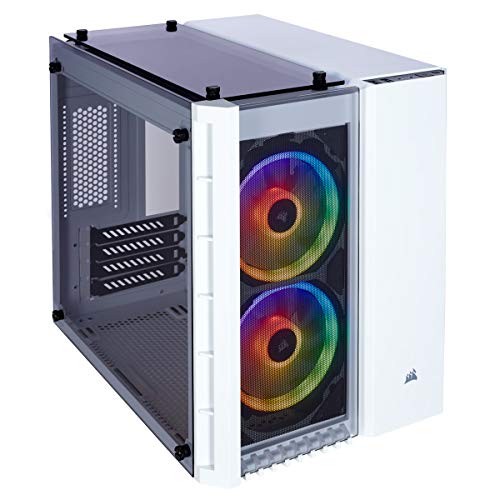


Top 3 picks at a glance
What actually matters in a production PC
The priority order for a studio build is roughly: single-thread CPU performance, RAM capacity, storage speed, then a modest GPU. Most audio plugins run per-track on a single core at low buffer sizes, so a chip with strong per-core performance beats a many-core monster that clocks lower. Sample libraries live in RAM and on fast NVMe drives, and the graphics card only needs to drive two or three displays.
CPU and RAM
A modern 6 to 8 core CPU with high boost clocks is the sweet spot for most producers. Orchestral composers streaming huge sample libraries benefit from more cores and 64GB of RAM, while a singer-songwriter mixing 30-track sessions is comfortable at 32GB. Aim for a 65W-class chip where possible; lower power means less heat and quieter fans.
Storage layout
Separate your drives by job. A 1TB NVMe boot drive for the OS and DAW, a second 1–2TB NVMe for active projects, and a large SATA SSD or HDD for sample libraries and archives keeps read contention from causing clicks during playback.
A sensible parts framework
| Tier | Budget | CPU class | RAM | Storage | Good for |
|---|---|---|---|---|---|
| Entry | $800–1000 | 6-core, high clocks | 32GB DDR5 | 1TB NVMe | Podcasts, 20–30 track mixes |
| Mid | $1200–1600 | 8-core | 32–64GB | 2×1TB NVMe | Full band production, many VSTs |
| Pro | $1800–2500 | 12–16 core | 64–128GB | 2TB NVMe + 4TB SSD | Orchestral, film scoring |
Keeping it silent
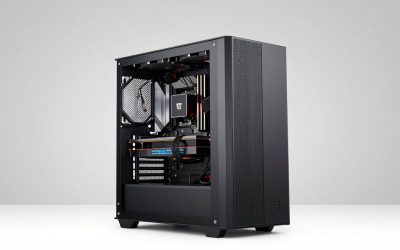
Fan noise is picked up by microphones and ruins takes. Choose a case with sound-dampening panels, run a large air cooler or a 240mm liquid cooler tuned to a gentle fan curve, and set case fans to spin around 600–800 RPM under normal load. A quality 550–650W 80+ Gold power supply with a semi-passive fan mode stays inaudible at studio power draw, which rarely exceeds 250W without a big GPU.
The audio interface matters more than the GPU
Your USB or Thunderbolt audio interface, not the graphics card, determines round-trip latency. Budget for a solid interface first; integrated graphics or a passively cooled entry GPU is perfectly adequate unless you also edit video.
Prebuilt vs custom for studios
Prebuilt desktops rarely optimize for silence or offer the drive flexibility producers need, and stock coolers can whine at low RPM. A custom build lets you pick a quiet cooler, split storage cleanly, and skip the RGB light show that serves no purpose in a darkened studio. The one case for prebuilt is time: if you need a machine tomorrow and can tolerate some fan noise, it works.
Plan for expansion and outboard gear
Studios grow. Leave room in the case and on the power supply for extra storage as your sample libraries expand, and pick a motherboard with enough USB and, ideally, Thunderbolt ports for audio interfaces, control surfaces and MIDI controllers. Producers often chain several USB devices, so port count and reliability matter more here than in a typical build.
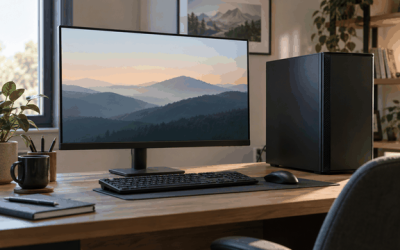
Consider your monitoring path too. If you run studio monitors and outboard processors, keep the PC’s fans quiet enough that they don’t bleed into open-mic recordings, and position the tower away from your microphone. A little planning now avoids re-recording takes ruined by a whining cooler six months later.
FAQ
Do I need a powerful graphics card for music production?
No. DAWs lean on the CPU and RAM. Integrated graphics or a low-power dedicated card that drives your monitors silently is enough. Spend that money on RAM, faster storage, or a better audio interface instead.
How much RAM do I really need for a home studio?
32GB covers the vast majority of mixing and songwriting work. Move to 64GB only if you stream large orchestral sample libraries or run dozens of memory-hungry sampler instances at once. More RAM won’t lower latency, only capacity.
Bottom line
A great music-production PC is a quiet, low-latency workhorse: strong per-core CPU, 32–64GB of RAM, layered NVMe storage, and a near-silent cooling setup, with the GPU deliberately kept modest. Build around your buffer sizes and your microphone, not a spec sheet, and a $1200–1600 custom machine will outperform a flashier gaming prebuilt for every session you track.